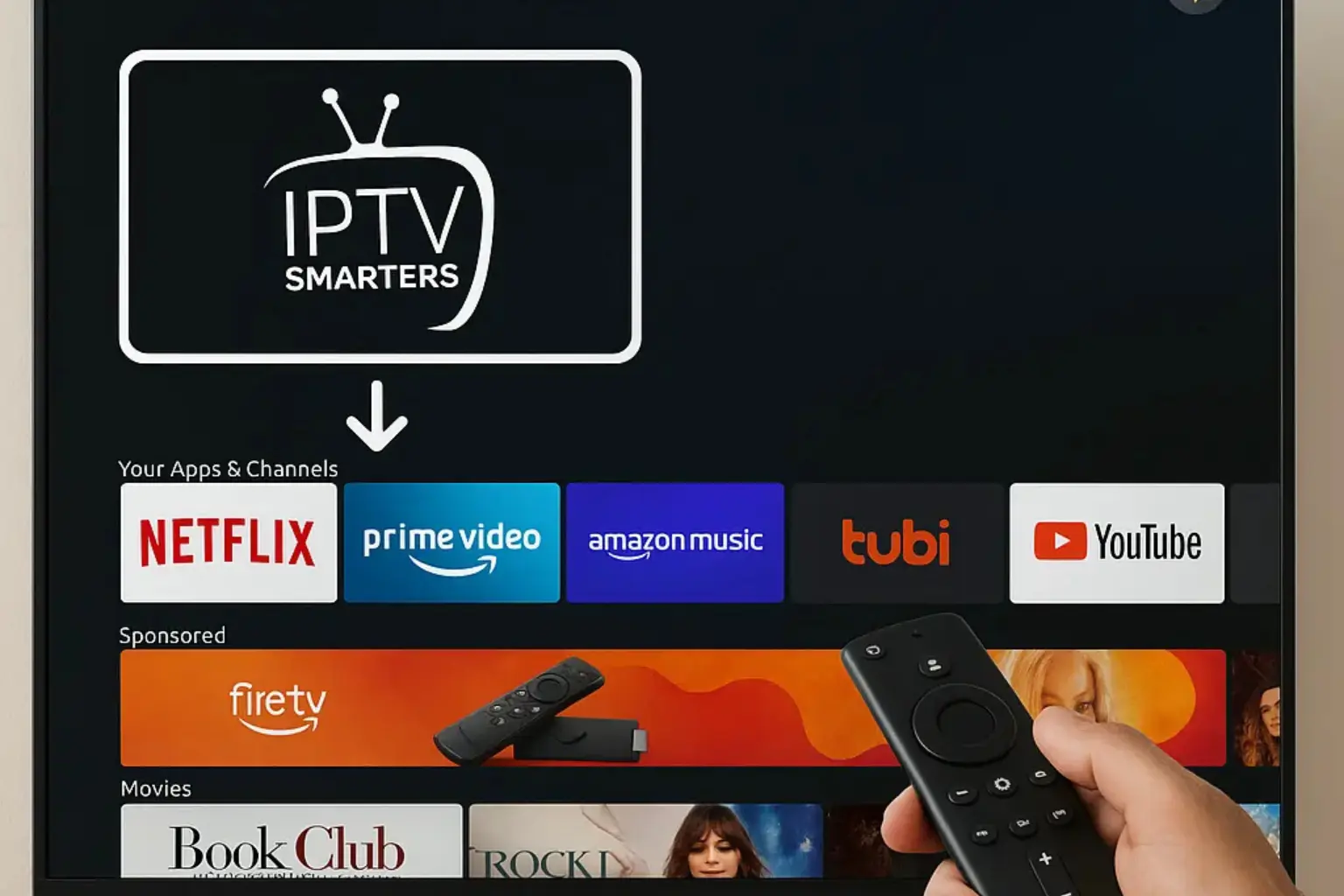
How to Install IPTV Smarters Pro on Firestick ?
How to Install StreamSmarters Pro on Firestick ?
How to Install StreamSmarters Pro on Firestick ?
How to Install StreamSmarters Pro on Firestick ?
To install StreamSmarters Pro on your Firestick, start by enabling apps from unknown sources. Go to Settings > My Fire TV > Developer Options and turn on the required permissions. Next, use the search bar on your Firestick to download the Downloader app.
Open Downloader and enter the official StreamSmarters Pro APK URL to download and install the app. Once the installation is complete, launch the app and configure your IPTV settings.
For a smooth streaming experience with thousands of HD channels and VOD options, we recommend StreamSmarters Pro a reliable provider fully compatible with StreamSmarters Pro.
Step 1: Install the Downloader App on Firestick
Go to your Firestick’s home screen and use the search function.
Type “Downloader” and select the app from the results.

Click “Get” or “Download” to install it.
Step 2: Enable Permissions in Firestick Settings
Before using Downloader, you need to allow installations from unknown sources:
Go to Settings > My Fire TV.

Select Developer Options.

Turn on:
-
Apps from Unknown Sources.
-
ADB Debugging.
These settings are necessary for sideloading apps like StreamSmarters Pro.
Step 3: Open Downloader and Allow Storage Access
Once installed, launch Downloader and allow storage access when prompted.
This will let you download and install third-party APKs.
Step 4: Download and Install StreamSmarters Pro APK
In Downloader, enter the official URL for the StreamSmarters Pro APK.

Double-check the URL to avoid errors.
Start the download and wait for it to complete.
When prompted, click Install.

Once installed, you can delete the APK file to save space.
Step 5: Launch StreamSmarters Pro and Log In
After installation, open StreamSmarters Pro and sign in with your IPTV service credentials, **M3U **or XTREME Code.

You’re now ready to start streaming on your Firestick.
Frequently Asked Questions
Is StreamSmarters Pro Legal to Use on Firestick?
You’re wondering if StreamSmarters Pro is legal on Firestick. It’s crucial to understand the legal implications and adhere to usage guidelines. Always ensure the content you access is licensed to avoid any potential legal issues.
Can StreamSmarters Pro Be Installed on Older Firestick Models?
Yes, you can install StreamSmarters Pro on older Firestick models. The installation process remains the same, but ensure your device’s software is updated for compatibility. Follow standard sideloading steps for a smooth installation experience.
Does StreamSmarters Pro Work With All IPTV Service Providers?
You’re wondering if StreamSmarters Pro works with all IPTV service providers. It offers broad IPTV compatibility, allowing you to explore various streaming options. However, it’s always wise to check provider support for optimal performance.
Are There Any Subscription Fees for StreamSmarters Pro?
You’ve got no subscription fees for StreamSmarters Pro itself, but you’ll need to pay for IPTV service. Subscription types and payment options depend on the provider you choose, so explore their offers for details.
How Can I Update StreamSmarters Pro on My Firestick?
To update StreamSmarters Pro on your Firestick, navigate to the app settings. Look for the update process option and follow the prompts. Ensure your internet connection’s stable to avoid interruptions during the update.