How to Install IPTV on TiviMate IPTV Player ?
How to Install IPTV on TiviMate IPTV Player ?
How to Install IPTV on TiviMate IPTV Player ?
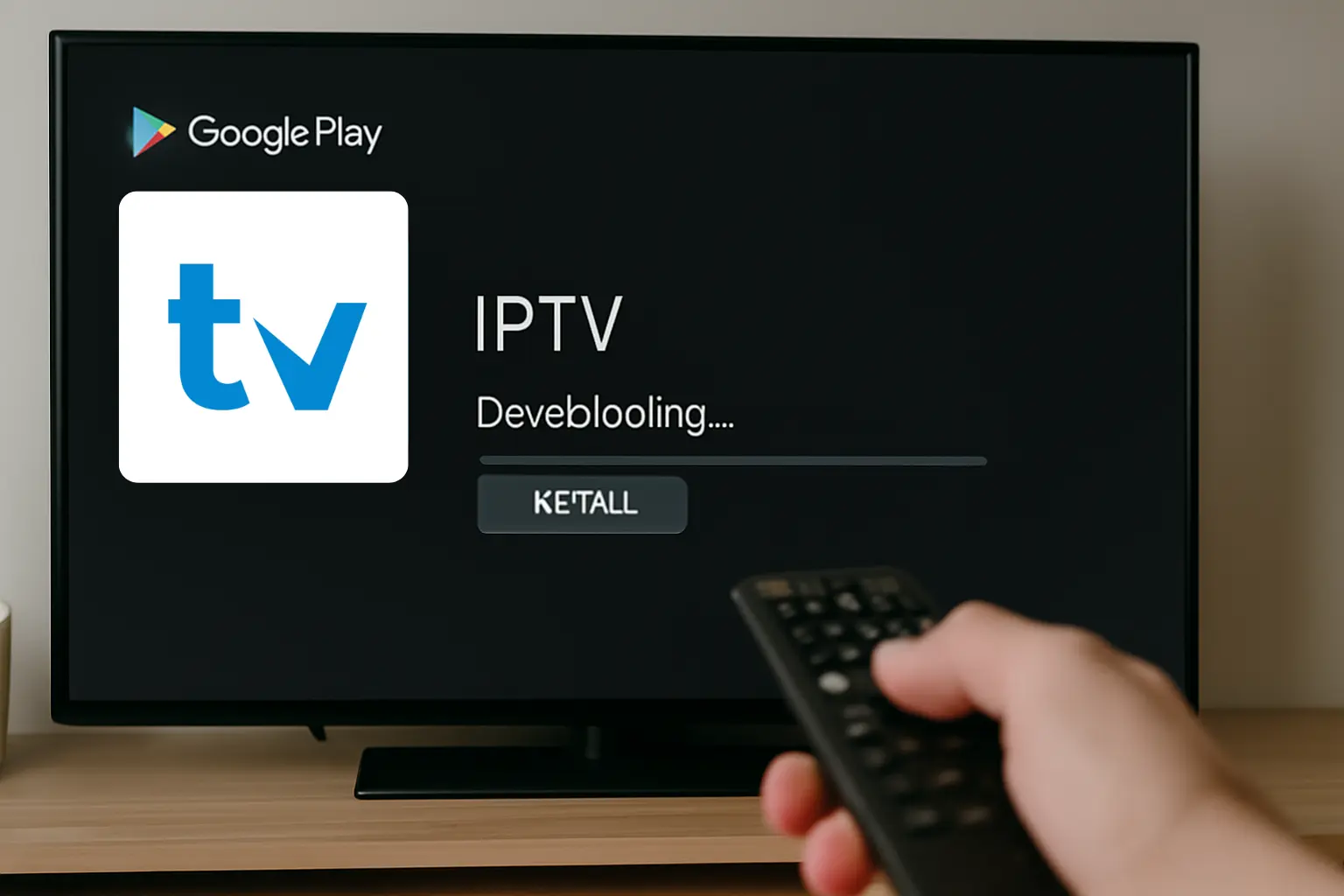
To install IPTV on TiviMate IPTV Player, first ensure your Android device is compatible and has a stable internet connection. Download TiviMate from Google Play Store or a trusted APK source.
Launch the app and go to settings to add IPTV sources using an M3U URL or playlist file. Enter the EPG URL for channel schedules. Optimize your experience by changing settings like time zone and parental controls. For more insights, discover further details ahead.
1. Prepare your Firestick or Android TV
- From your home screen, go to **Settings > **

- My Fire TV > Developer Options.

- Enable ADB Debugging and **Apps from Unknown Sources. ** → This allows you to install apps that are not from the Amazon App Store
2. Install the Downloader App
-
Go to the Search icon on Firestick.
-
Type “Downloader” and install the app.

- Open Downloader and allow any permissions it asks for.
3. Download and Install TiviMate
- In the Downloader app, enter the following code 272483 or go to the official website and install the APK File: ➤ [https://streamsmarterspro.com)

- Click Go – the APK will download.

- Once downloaded, click Install, then Open.
TiviMate is only a player. You need a subscription from an IPTV provider (like StreamSmarters Pro) to use it.
4.Add Your IPTV Subscription
- Open TiviMate.

- Select Add Playlist.

- Choose how you want to log in:

-
M3U Playlist URL
-
Xtream Codes login
-
Portal URL (Stalker)
- Enter the credentials provided by your IPTV service.

- Wait for the app to load the channels and <a href="https://en.wikipedia.org/wiki/Electronic_program_guide" target="_blank">EPG</a>.
5. Start Streaming
Once setup is complete, you can:

-
Browse your channels.
-
Access VOD (if supported).
-
Create favorites.
-
Enjoy smooth IPTV streaming through TiviMate.
Frequently Asked Questions
Can I use TiviMate on multiple devices?
Yes, TiviMate supports multi-device use with simultaneous streaming.
How do I know if my IPTV service is legal with TiviMate?
Make sure your provider is licensed and complies with copyright laws.
Are there parental controls in TiviMate?
Yes, content restrictions can be set in the app’s settings menu.