How Do I Setup IPTV ?
How Do I Setup IPTV ?
How Do I Setup IPTV ?
How Do I Setup IPTV ?
How Do I Setup IPTV ?
How Do I Setup IPTV ?
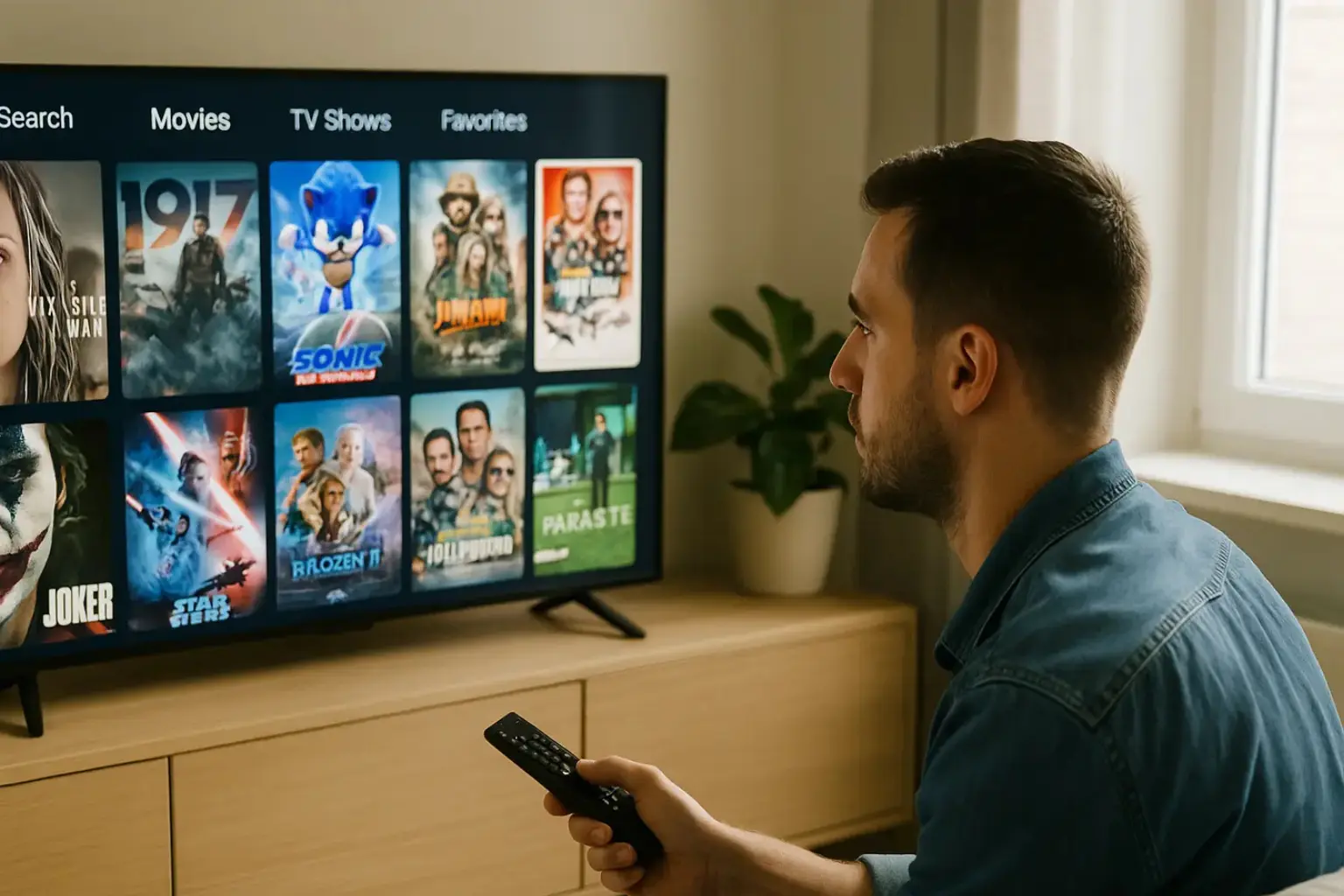
To set up IPTV, first select a reliable provider with diverse channels and robust support. Ensure your device like a smart TV or streaming box is compatible. Download the IPTV app from the app store and log in with your provider’s credentials.
Check your network speed, ensuring it’s at least 10 Mbps. For stability, use a wired Ethernet connection and prioritize IPTV traffic in router settings. Restart devices if issues arise. Unlock more insights and guidance by exploring further.
1. Choose an IPTV Provider
Before you can set up IPTV, choose a reliable IPTV provider like StreamSmarters Pro that offers the channels and content you want. Make sure they provide:
-
High-quality streams (HD or 4K).
-
Stable connection.
-
Legal content licensing.
-
Customer support.

2. Get the Right Devices
Make sure you have a compatible device. You can use IPTV on various devices like:
-
Smart TV.
-
Android Box.
-
Firestick.
-
**PC, Tablet, or Smartphone. **
3. Install IPTV App
1. For Firestick/Android TV:
- Allow apps from outside the Amazon Store
On the Home screen, open Settings.

Choose My Fire TV → Developer Options.

Set Apps from Unknown Sources to On. Switch ADB Debugging to On only if an app later asks for it.
- Install the Downloader utility
Return to the Home screen and select Search.
Type Downloader and pick it from the list.

Press Download (or Get) and wait until installation finishes.
Open Downloader and approve any storage-access prompt.
- Download & install your IPTV app (example: IPTV Smarters)
In Downloader, highlight the URL field and enter: https://streamsmarterspro.com

Click Go. The APK will download automatically.
When prompted, choose Install.
After installation, select Open (or Done) and follow the on-screen setup.
2. For PC or Smartphone:
Download the IPTV player app from the official website like StreamSmarters Pro.

4. Enter Your IPTV Subscription Details
Once the app is installed, launch it and enter the following details provided by your IPTV provider:
M3U Playlist URL or Xtream Codes

Input the credentials your IPTV service has supplied:

Password
Server/Portal URL
Username
5. Enjoy Your IPTV Service
After entering the subscription details, wait for the channels to load. You can now start enjoying live TV, movies, sports, and more.

Frequently Asked Questions
What Are the Legal Considerations with IPTV?
Ensure you access IPTV content legally to avoid penalties. Check your provider’s compliance with local regulations, as they may vary.
How is IPTV Different from Cable?
IPTV uses internet protocols for streaming, offering on-demand content and flexible viewing compared to traditional cable services.
Are There Subscription Fees for IPTV?
Yes, IPTV services usually require a subscription. Compare pricing and check for hidden fees to find the best option for your needs.
Can I Use IPTV While Traveling?
Yes, you can, but check if your service supports international access. Use a VPN if you face restrictions.
How Can I Improve IPTV Streaming Quality?
Ensure your internet speed is sufficient, use wired connections for stability, and optimize your devices by closing unused apps and updating firmware.